Wireless Mice: Bluetooth or USB Receiver, and What Matters
The trackpad is fine until the spreadsheet gets wide. Then you are dragging a selection across forty columns with two fingers, overshooting, starting again, and twenty minutes later your wrist has that specific dull ache on the outside of the thumb. That is usually the moment someone goes looking for a mouse. Not because they wanted a gadget, but because the laptop stopped being enough for the work in front of them.
A wireless mouse is one of the cheapest fixes in computing. It is also easy to buy badly, because the listings are crowded with numbers that do not matter and quiet about the two or three that do. Here is what is worth knowing before you spend anything.
The two ways a wireless mouse talks to your laptop
Nearly every wireless mouse uses one of two connections, and the choice shapes most of your daily experience with it.
A 2.4GHz USB receiver is the small dongle you push into a USB port. The mouse and the dongle are paired at the factory, so there is nothing to set up. It works the moment the machine powers on, which means it also works inside the BIOS screen and on a fresh Windows install. The cost is a permanently occupied USB port. On a thin laptop with two ports, one of which is charging, that is a real loss. And if you lose the dongle, the mouse is usually scrap. Very few brands sell replacements.
Bluetooth uses the radio already built into your laptop, so no port is consumed. It also pairs with tablets and many phones, which a proprietary dongle cannot do. The trade-offs are less obvious. Bluetooth needs the operating system running, so it will not help you at a boot menu. It occasionally takes a second or two to reconnect when a laptop wakes from sleep, and on older machines with weak Bluetooth radios it can stutter across a crowded desk.
Some mice offer multi-device switching: a button that flips the same mouse between two or three paired devices. If you work across a laptop and a tablet, this saves genuine friction. If you only ever use one machine, it is a feature you will press once and forget.
The specs worth reading, and the ones to ignore
Where a budget wireless mouse genuinely helps
Anything involving precise selection: spreadsheets, photo cropping, drag-and-drop file sorting, CAD-lite work, and long editing sessions in a document. A trackpad asks your fingers to do fine motor work in a cramped space; a mouse moves that load to the whole arm.
It also helps when the laptop is not at a good height. If you have raised the screen on a laptop stand to save your neck, the built-in trackpad is now at an awkward angle and a separate mouse becomes necessary rather than optional.
Travel and hot-desking are the other clear cases. A light, symmetrical mouse in a bag pocket weighs almost nothing and turns any borrowed desk into a workable one.
Where it will disappoint you
Cheap wireless mice are not gaming mice. The sensor is tuned for smooth desk movement, not fast flicks, and the click switches will not survive competitive use for long. If you play shooters seriously, buy a wired gaming mouse instead and accept the cable.
They also struggle on the wrong surface. Glass tables and glossy laminate scatter the optical sensor and the pointer will jump. A cheap cloth mousepad fixes this for very little money, but you have to actually buy one.
Build quality is where the price shows. Under a few hundred rupees you get thin plastic shells that creak under a firm grip, and side buttons, if present, that feel vague. In peak summer, glossy plastic against a sweaty palm is genuinely unpleasant.
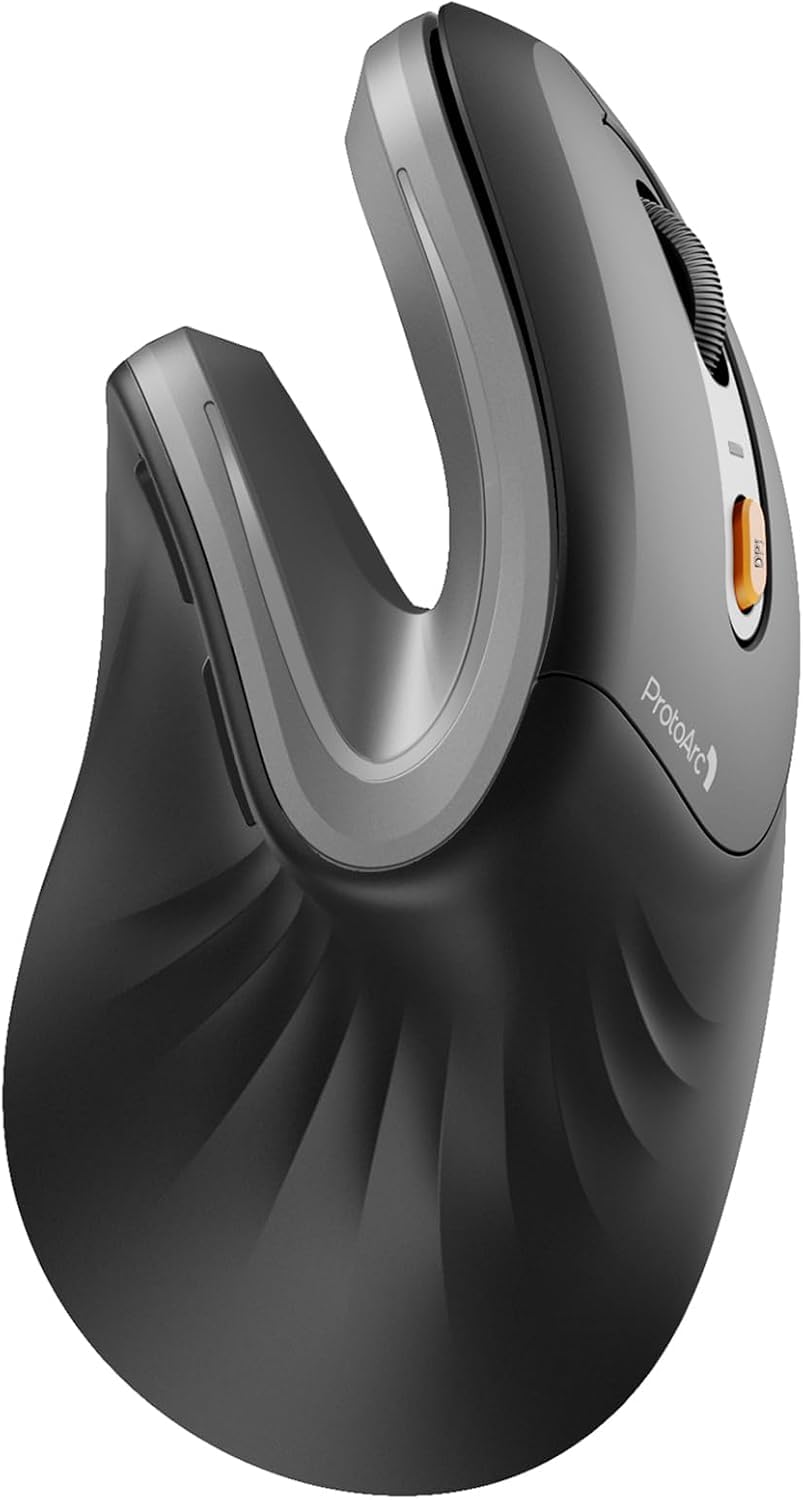
Who should skip it: anyone with large hands who needs a full palm grip will find most budget mice too small and will end up in a claw grip that causes exactly the fatigue they were trying to avoid. Anyone already dealing with wrist pain should look at a contoured or vertical mouse and a wrist rest rather than the cheapest flat option. And if your laptop lives permanently in a bag and gets used on trains, a mouse is dead weight.
Getting more life out of it
Take the batteries out if you are storing it for weeks. Leaked alkaline cells kill more budget mice than worn switches do. Wipe the two plastic feet on the underside every few weeks; dust builds into a ridge there and makes the glide feel gritty long before the sensor is at fault.
During monsoon, do not leave a mouse on a windowsill or near an open balcony door. Humidity gets into the switch housing and the click starts registering twice. If your mouse has a physical power switch, use it before the mouse goes into a bag, or a stray click in transit will drain the cell overnight.
The one we have listed
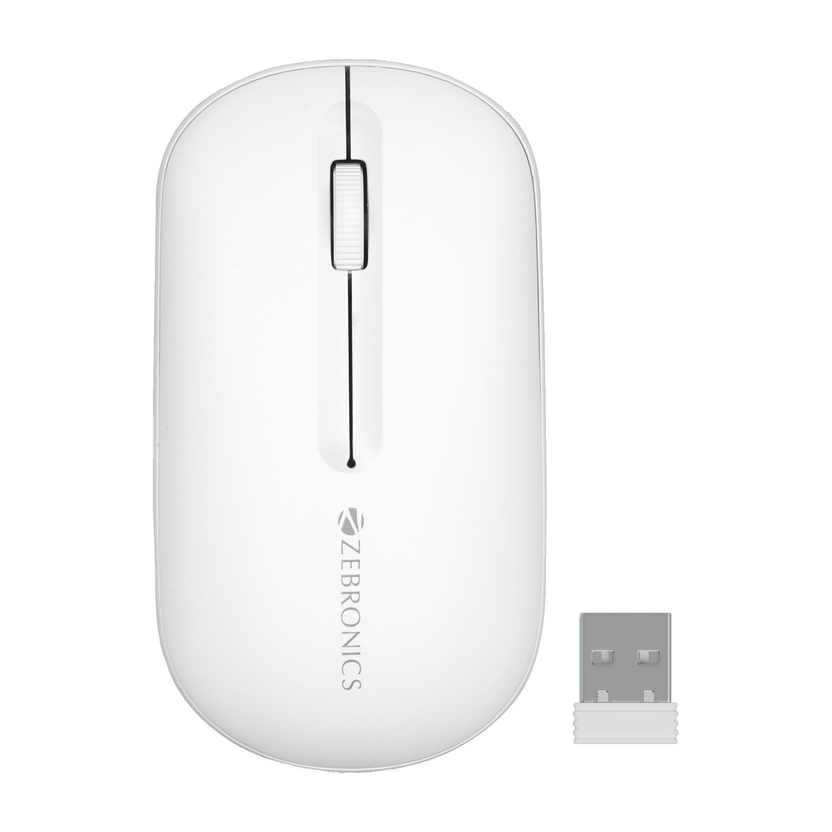
The Zebronics Pulse Wireless Bluetooth Mouse is listed at Rs 299 on Flipkart with a 4.1 star rating. It is ambidextrous, light, connects over Bluetooth, and supports multi-device switching, so it can sit paired to a laptop and a tablet at the same time.
The Bluetooth-only design is the thing to think about. It leaves both your USB ports free, which on a modern thin laptop is worth a lot, and it means there is no dongle to lose. It also means it will not work before your operating system loads. At this price the shell is plastic and the finish is basic, but for a mouse that mostly needs to move a cursor around a spreadsheet without eating a port, that is a reasonable trade.
Common questions
Is Bluetooth or a USB receiver better?
A receiver is more reliable and works before the OS boots. Bluetooth saves a port and pairs with tablets. If you have spare USB ports and want zero fuss, take the receiver. If your laptop has two ports and one is always charging, take Bluetooth.
How long do the batteries last?
A single AA in a Bluetooth mouse used for normal office work typically runs for several months. Leaving the mouse powered on inside a bag is the fastest way to cut that short.
Will a cheap mouse work on a glass table?
Usually not well. Standard optical sensors need a surface with visible texture. A basic mousepad or even a sheet of paper solves it.
Can I use one mouse with a laptop and a tablet?
Only if it supports multi-device pairing and the tablet accepts a Bluetooth pointer. Most current Android tablets and iPads do. Without that switching button you will be re-pairing every time.
Disclosure: TechBelievers lists products from Amazon.in and other stores as an affiliate. If you buy through our links we may earn a commission, at no extra cost to you. Prices are checked periodically and change often on the store's own site.