Organize Any List Instantly with the Alphabetical Sorter
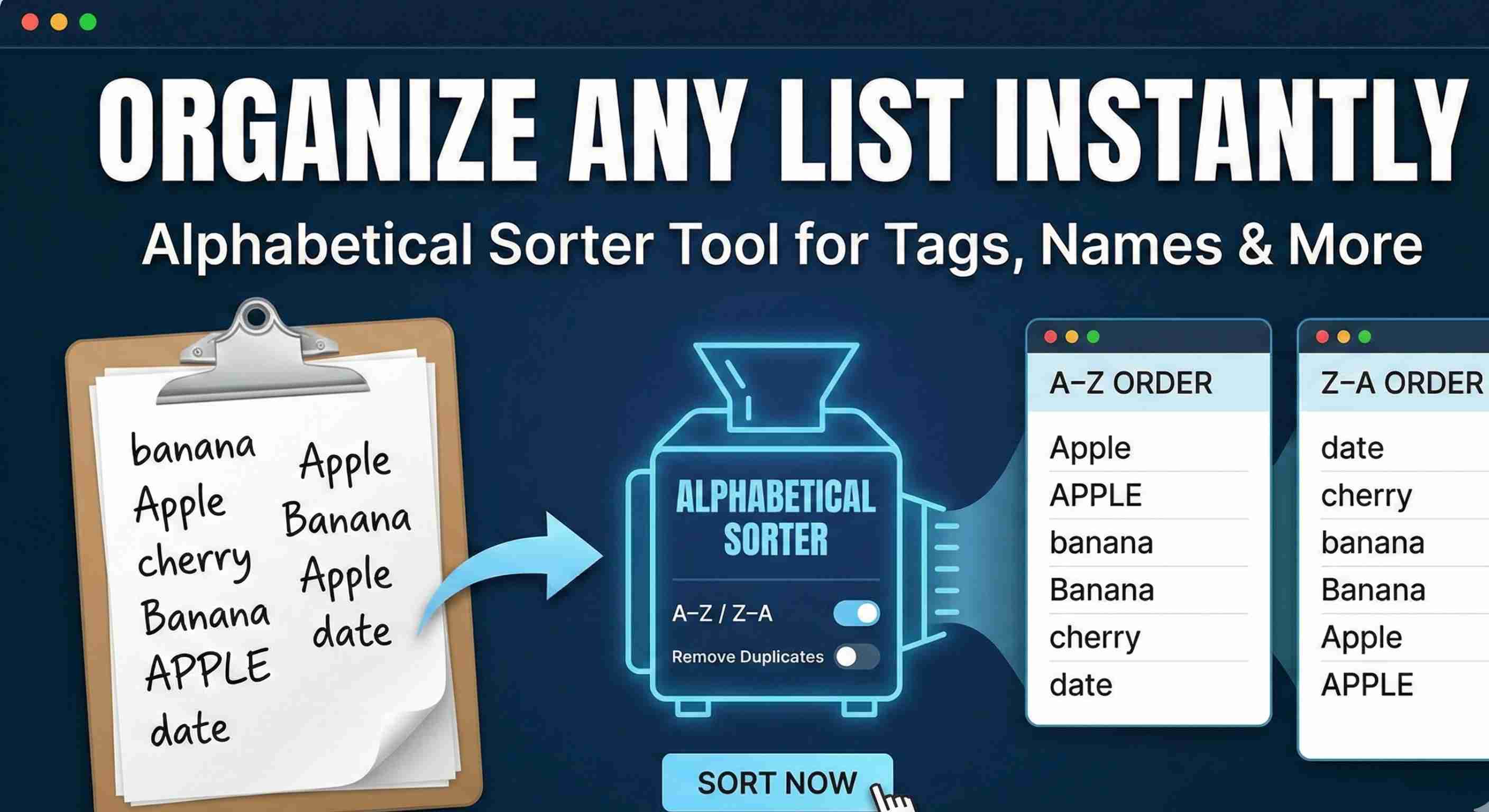
Lists are everywhere—tags, usernames, product names, glossary entries, and more. Keeping them alphabetized makes them easier to scan and maintain, but doing that manually is tedious. The Alphabetical Sorter on TechBelievers turns a messy list into an ordered one in just a few clicks. You paste your list into the input box, one item per line. With the default settings, the tool trims extra spaces, removes empty lines, and sorts the results from A to Z. For quick cleanups—like reordering a collection of email addresses or topic names—that’s usually enough. When you need more control, there are extra options. You can flip the order to Z to A, enable case‑sensitive sorting, and choose whether or not to remove duplicates before sorting. Removing duplicates is especially useful when your list has been assembled from multiple sources and you want to make sure you don’t miss repeated entries. The output pane always shows exactly what will be copied back into your project, so you can review changes before applying. Whether you’re tidying up tags for an article, preparing data for a spreadsheet, or maintaining a configuration file, the Alphabetical Sorter helps keep your lists consistent and professional with minimal effort.