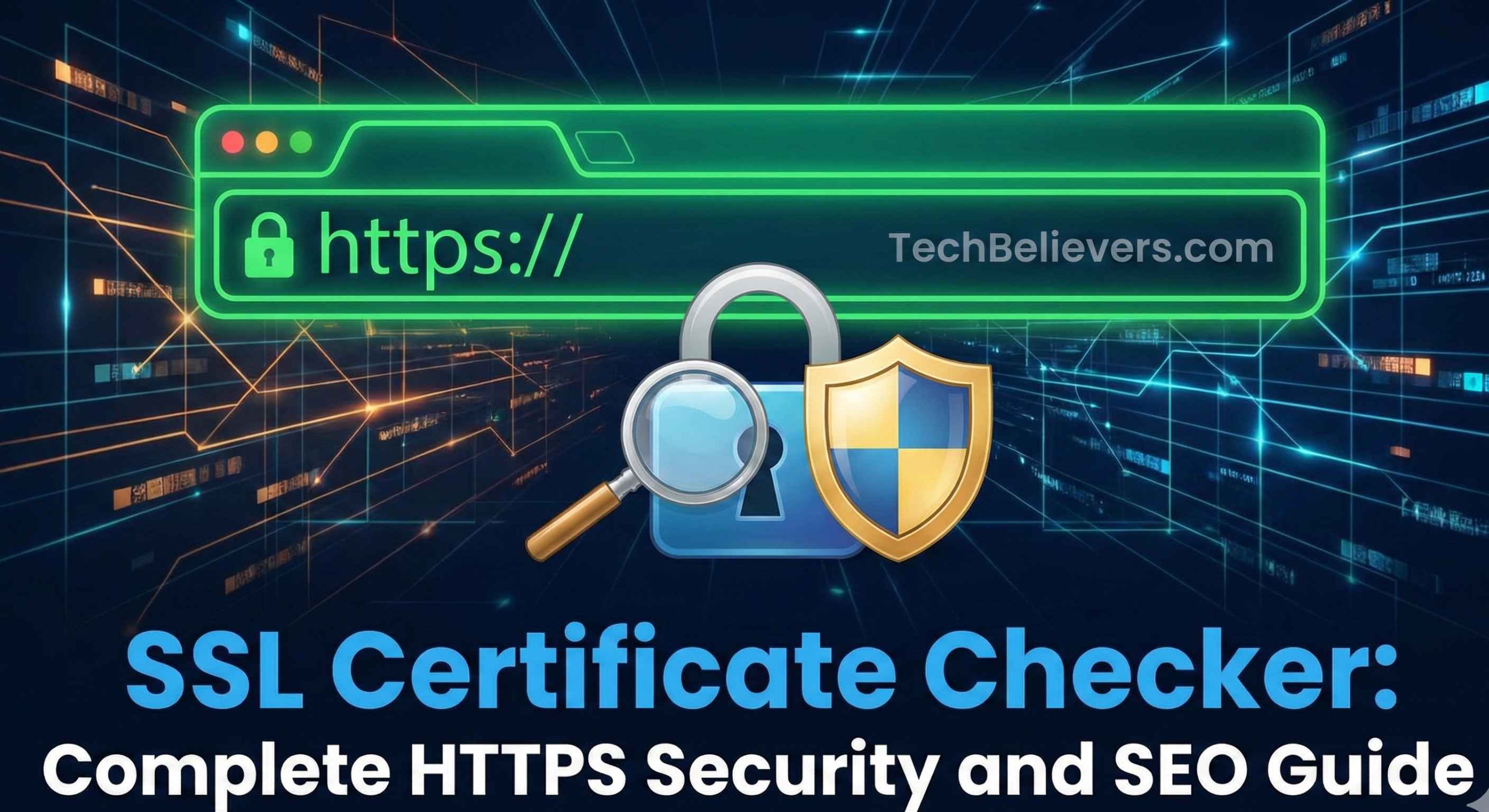
SSL Certificate Checker: Complete HTTPS Security and SEO Guide
Introduction
Your website has a green padlock. Everything looks secure. Visitors trust you. Google trusts you.
Then one morning, the padlock turns red. "Your connection is not secure."
Traffic drops 40% overnight. Conversions plummet. Google starts deindexing pages. Customers panic.
What happened? Your SSL certificate expired. And nobody noticed until it was too late.
This scenario plays out hundreds of times per day across the web. SSL certificates expire. They get misconfigured. They use weak encryption. And most site owners don't know until disaster strikes.
That's where an SSL Certificate Checker becomes your early warning system—catching issues before they become crises.
🚀 Try our FREE SSL Certificate Checker Tool →
What is an SSL Certificate?
An SSL/TLS certificate is a digital certificate that authenticates a website's identity and enables encrypted connections between the server and visitors' browsers.
When installed:
- URLs use HTTPS (not HTTP)
- Browser shows padlock icon
- Data transmitted is encrypted
- Visitors see "Secure" or "Connection is secure"
Why SSL/HTTPS Matters for SEO
1. It's a Ranking Factor
Google confirmed in 2014: HTTPS is a ranking signal. Sites with SSL rank higher than identical HTTP sites.
2. Browser Warnings Kill Traffic
Chrome labels HTTP sites as "Not Secure." Users bounce immediately. Bounce rate spike = ranking drop.
3. Referrer Data Preservation
HTTPS to HTTP loses referrer data. HTTPS to HTTPS preserves it. Better analytics = better optimization.
4. Trust and Credibility
Especially for e-commerce. No SSL = no sales. It's that simple.
5. Required for Modern Web Features
HTTP/2, Service Workers, Progressive Web Apps—all require HTTPS.
Real Impact:
When Google announced the "Not Secure" warning:
- Average HTTP site traffic dropped 15-25%
- E-commerce sites saw 30-50% conversion rate drops
- Sites that switched to HTTPS recovered within weeks
👉 Check Your SSL Certificate Now - 100% Free
Common SSL Certificate Issues
Issue #1: Expired Certificate
The Problem: Certificates are typically valid for 90 days (Let's Encrypt) or 1-2 years (paid). They expire.
The Impact:
- Browser shows "Your connection is not private"
- Visitors can't access your site (without clicking through scary warnings)
- Traffic drops 40-60% immediately
- Google may start deindexing
The Fix:
- Set up auto-renewal (Let's Encrypt)
- Set calendar reminders 30 days before expiry
- Use monitoring tools with expiry alerts
- Have backup renewal process
Issue #2: Mixed Content Warnings
The Problem:
<!-- Page is HTTPS -->
<img src="http://example.com/image.jpg">  <!-- But image is HTTP -->
<script src="http://cdn.com/script.js"></script>  <!-- Script is HTTP -->
The Impact:
- Browser shows "Not Secure" or removes padlock
- Some browsers block mixed content entirely
- Trust signals lost
- SEO rankings affected
The Fix:
- Use HTTPS for all resources (images, CSS, JS, fonts)
- Use protocol-relative URLs:
//example.com/image.jpg - Or better: use relative paths:
/images/image.jpg
Issue #3: Certificate Chain Issues
The Problem: Intermediate certificates missing or misconfigured.
The Impact:
- Some browsers show certificate errors
- Trust warnings on mobile devices
- Inconsistent user experience
- Potential ranking impact
The Fix:
- Ensure full certificate chain is installed
- Include intermediate certificates
- Test across multiple browsers
- Use SSL Labs test
Issue #4: Wrong Certificate for Domain
The Problem:
- Certificate issued for
www.example.com - But you're visiting
example.com(without www) - Domain mismatch error
The Impact:
- Certificate warning
- Users can't access site
- Split rankings between www and non-www
The Fix:
- Use wildcard certificate (
*.example.com) - Or use SAN certificate (multiple domains)
- Configure proper redirects (www → non-www or vice versa)
Issue #5: Weak Encryption
The Problem: Using outdated SSL protocols (TLS 1.0, SSL 3.0) or weak ciphers.
The Impact:
- Security vulnerabilities
- Browser warnings on some devices
- Potential SEO penalties
- Failed compliance audits
The Fix:
- Use TLS 1.2 or TLS 1.3 only
- Disable SSLv2, SSLv3, TLS 1.0, TLS 1.1
- Use strong cipher suites
- Update server configuration
Issue #6: Self-Signed Certificate
The Problem: Using self-signed certificate in production.
The Impact:
- Browser shows "Not Secure" warning
- Users must click through scary message
- Zero trust signals
- Rankings suffer
The Fix:
- Use Let's Encrypt (free, legitimate)
- Or purchase from trusted CA
- Never use self-signed in production
Issue #7: Certificate Name Mismatch
The Problem:
- Certificate issued for
shop.example.com - But installed on
www.example.com
The Impact:
- Certificate error in browsers
- "This site's security certificate is from a different domain"
- Trust warnings
The Fix:
- Issue certificate for correct domain(s)
- Or use SAN/wildcard for multiple subdomains
Issue #8: Incomplete HTTP to HTTPS Redirect
The Problem:
http://example.com → ✅ redirects to https://example.com
http://example.com/page → ❌ no redirect, loads on HTTP
The Impact:
- Duplicate content (HTTP and HTTPS versions)
- Mixed signals to search engines
- Some pages not secure
- SEO dilution
The Fix:
- Implement site-wide HTTP to HTTPS redirect
- Test all URLs, not just homepage
- Update internal links to HTTPS
- Update canonical tags
SSL Certificate Checker: What It Validates
A comprehensive SSL checker analyzes multiple aspects:
1. Certificate Validity
- Not expired
- Not yet valid (issued in future)
- Dates properly formatted
- Within validity window
2. Domain Matching
- Certificate matches visited domain
- Wildcard covering subdomain
- SAN includes all necessary domains
3. Certificate Chain
- Root certificate present
- Intermediate certificates present
- Proper chain order
- All certificates valid
4. Issuer Trust
- Issued by recognized Certificate Authority
- CA certificate not revoked
- Trustworthy issuer
5. Encryption Strength
- Protocol version (TLS 1.2/1.3)
- Cipher suite strength
- Key length (2048-bit minimum)
- No weak algorithms
6. Configuration
- HSTS header present
- Secure cookie flags
- No mixed content
- Proper redirects
7. Expiry Warning
- Days until expiration
- Renewal urgency level
- Auto-renewal status
8. Compatibility
- Browser compatibility
- Mobile device support
- Legacy client support
Best Practices
SSL Implementation Checklist
Before Installing:
- ✅ Choose reputable CA or use Let's Encrypt
- ✅ Generate certificate for all needed domains/subdomains
- ✅ Backup existing configuration
- ✅ Plan rollback procedure
During Installation:
- ✅ Install complete certificate chain
- ✅ Configure HTTPS on port 443
- ✅ Test in staging first
- ✅ Verify no errors in browser
After Installation:
- ✅ Implement HTTP to HTTPS redirects (301)
- ✅ Update internal links to HTTPS
- ✅ Fix mixed content warnings
- ✅ Update sitemaps to HTTPS URLs
- ✅ Update canonical tags
- ✅ Set up HSTS header
- ✅ Update Google Search Console property
- ✅ Monitor for errors
Ongoing Maintenance:
- ✅ Monitor expiry date (30-day alerts)
- ✅ Set up auto-renewal if possible
- ✅ Test certificate monthly
- ✅ Update protocols as needed
- ✅ Review security advisories
Frequently Asked Questions
Q: How do I know if my website has SSL?
A: Check if your URL uses https:// and if there's a padlock icon in the browser. Or use an SSL checker tool.
Q: How long does an SSL certificate last?
A: Let's Encrypt: 90 days. Paid certificates: Usually 1-2 years. Always set up renewal reminders.
Q: What's the difference between SSL and TLS?
A: TLS is the successor to SSL. Modern certificates use TLS, but everyone still calls them "SSL certificates."
Q: Do I need SSL if I don't sell anything?
A: Yes. It's a ranking factor, prevents browser warnings, and is required for modern web features.
Q: Can I use a free SSL certificate?
A: Yes. Let's Encrypt is free, legitimate, and widely used. It's perfectly fine for most sites.
Q: How do I fix mixed content warnings?
A: Update all resources (images, CSS, JS) to load via HTTPS, not HTTP.
Q: What happens when SSL expires?
A: Browser shows "Not Secure" warnings. Visitors can't easily access your site. Traffic drops dramatically.
Q: How often should I check my SSL certificate?
A: Monthly routine checks, plus 30 days before expiry, and immediately after any server changes.