Set Reader Expectations with the Reading Time Calculator
A
By Admin
Author
November 29, 2025
565 views
2 min read
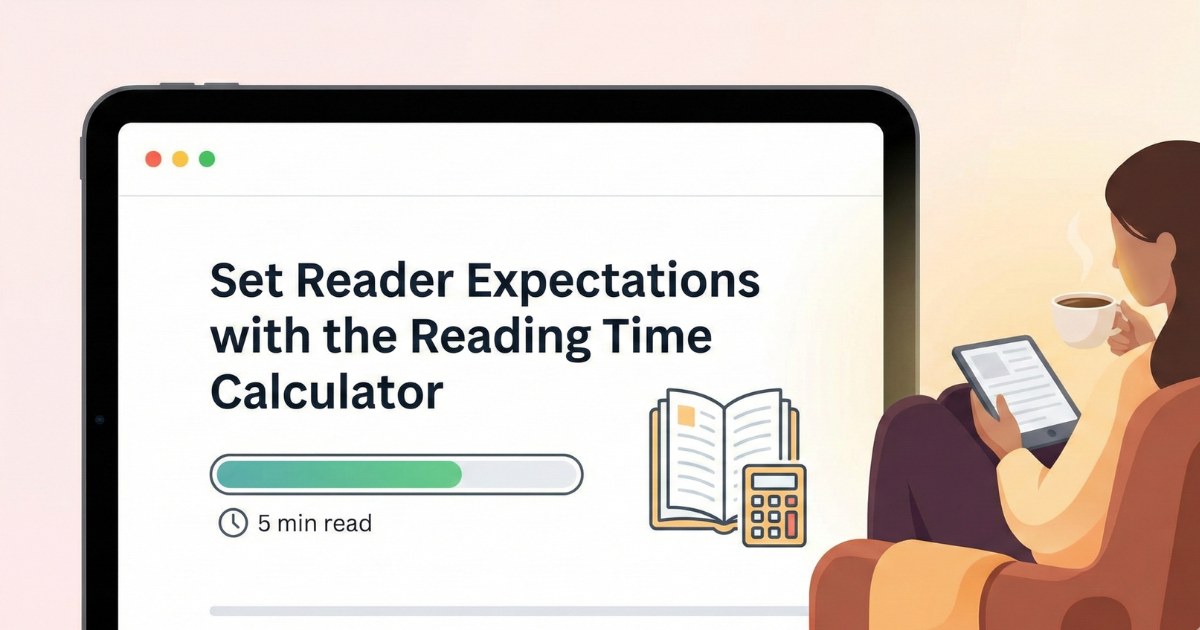
Modern readers decide very quickly whether they have time to commit to an article, guide, or documentation page. Adding an estimated reading time near your content helps them make that decision—and often increases engagement, because people feel more in control. The Reading Time Calculator on TechBelievers makes generating those estimates fast and transparent.
You paste your article or content into the tool, set a words‑per‑minute (WPM) rate, and the calculator does the rest. By default it uses 200 WPM, a common average for adult readers. The tool counts both words and characters, then converts the total into minutes and seconds. Short posts might be labeled as “less than 1 min”, while longer guides show a more precise number of minutes.
One useful detail is that the WPM value is editable. If your audience is technical and likely to read more slowly, you can lower the rate. If you’re working with very light content, you can increase it. The estimate updates automatically as you type or paste new text, so it’s easy to iterate while drafting.
Besides a simple “X min read” label, the tool also provides a descriptive summary: how many words your content contains, which WPM rate was used, and a minute/second breakdown. You can use that information to tune article length, break up long sections, or decide where to split a guide into multiple parts. Over time, this helps you design content that feels approachable instead of overwhelming.