Stop Re‑Typing: Use the Case Converter for Perfect Text Formatting
A
By Admin
Author
November 29, 2025
281 views
1 min read
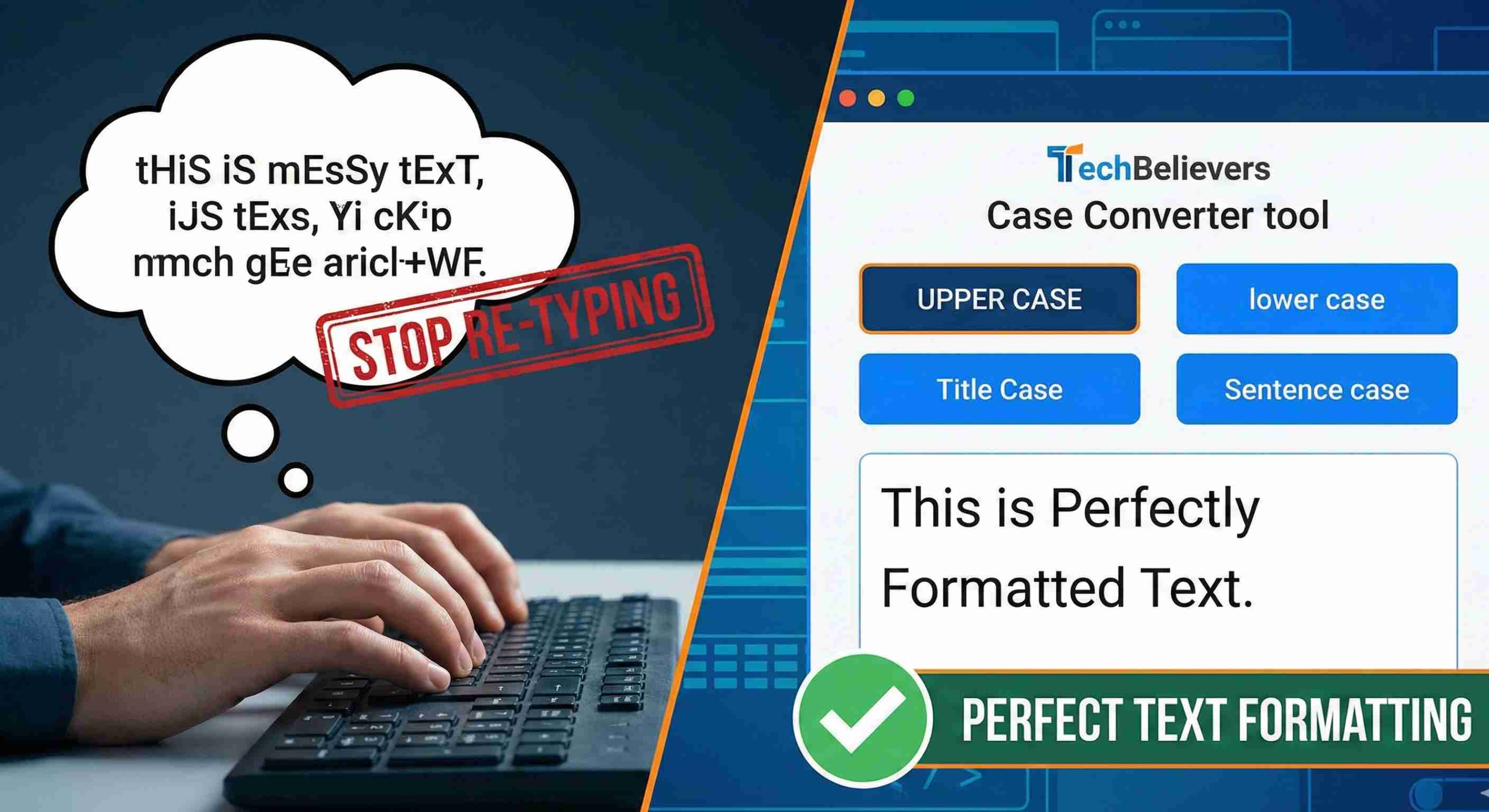
Changing the letter case of large blocks of text by hand is repetitive and error‑prone. The Case Converter on TechBelievers is designed to solve that in one step. Paste your text, choose the case you want, and copy the result back into your document. The tool supports common formats like UPPERCASE, lowercase, Title Case, and Sentence case, plus more playful options like alternating and inverse case. This makes it useful for both serious formatting work and quick experiments while drafting. Because everything runs in the browser, you can safely use it with drafts, emails, or documentation. Instead of re‑typing or wrestling with complex editor shortcuts, you get clean, consistent casing in a couple of clicks.