Keep Only What Matters with the Duplicate Line Remover
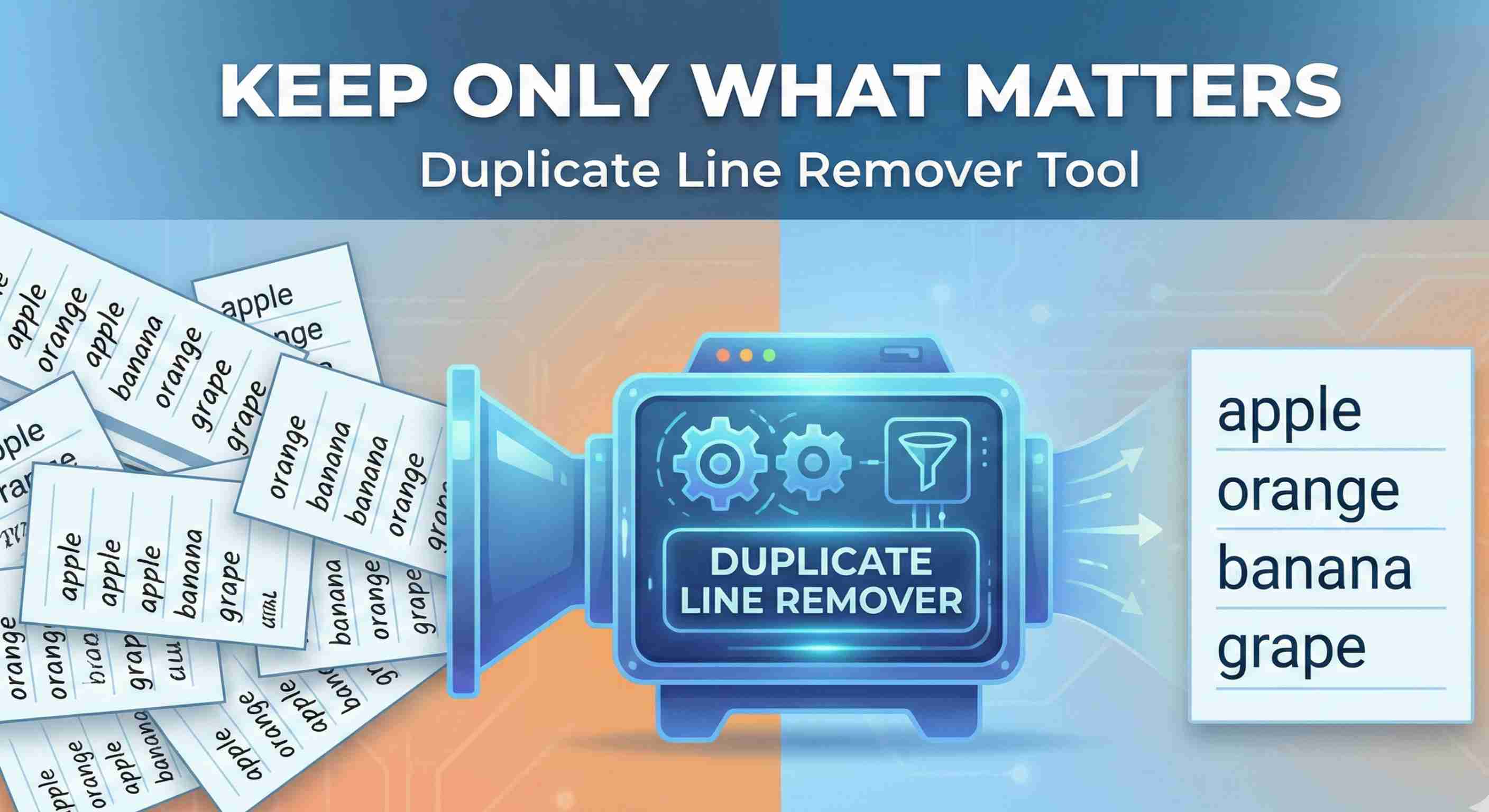
When you aggregate data from multiple files, logs, or lists, duplicates are almost inevitable. Manually scanning for identical lines is slow and unreliable, especially once you’re dealing with hundreds or thousands of entries. The Duplicate Line Remover on TechBelievers is built to handle this problem in a single, focused pass. You start by pasting your text into the input area. Each line is treated as a separate entry. With the default settings, the tool trims leading and trailing spaces, ignores case differences, and keeps only the first occurrence of each unique line. Subsequent duplicates are silently removed, but the original order is preserved. Several options let you tune how duplicates are detected. If case sensitivity matters—for example, user names where “Alice” and “alice” are different—you can enable “Case sensitive”. You can also decide whether to keep or remove empty lines. This flexibility makes the tool work well for everything from log messages to email address lists. After processing, the tool displays a short summary: how many original lines there were, how many unique lines remain, and how many duplicates were removed. That quick snapshot is often enough to confirm that your data has been cleaned as expected. When you’re preparing CSV data, configuration files, or long checklists, the Duplicate Line Remover can turn a noisy dataset into something you trust.