Fix Broken Formatting with the Remove Line Breaks Tool
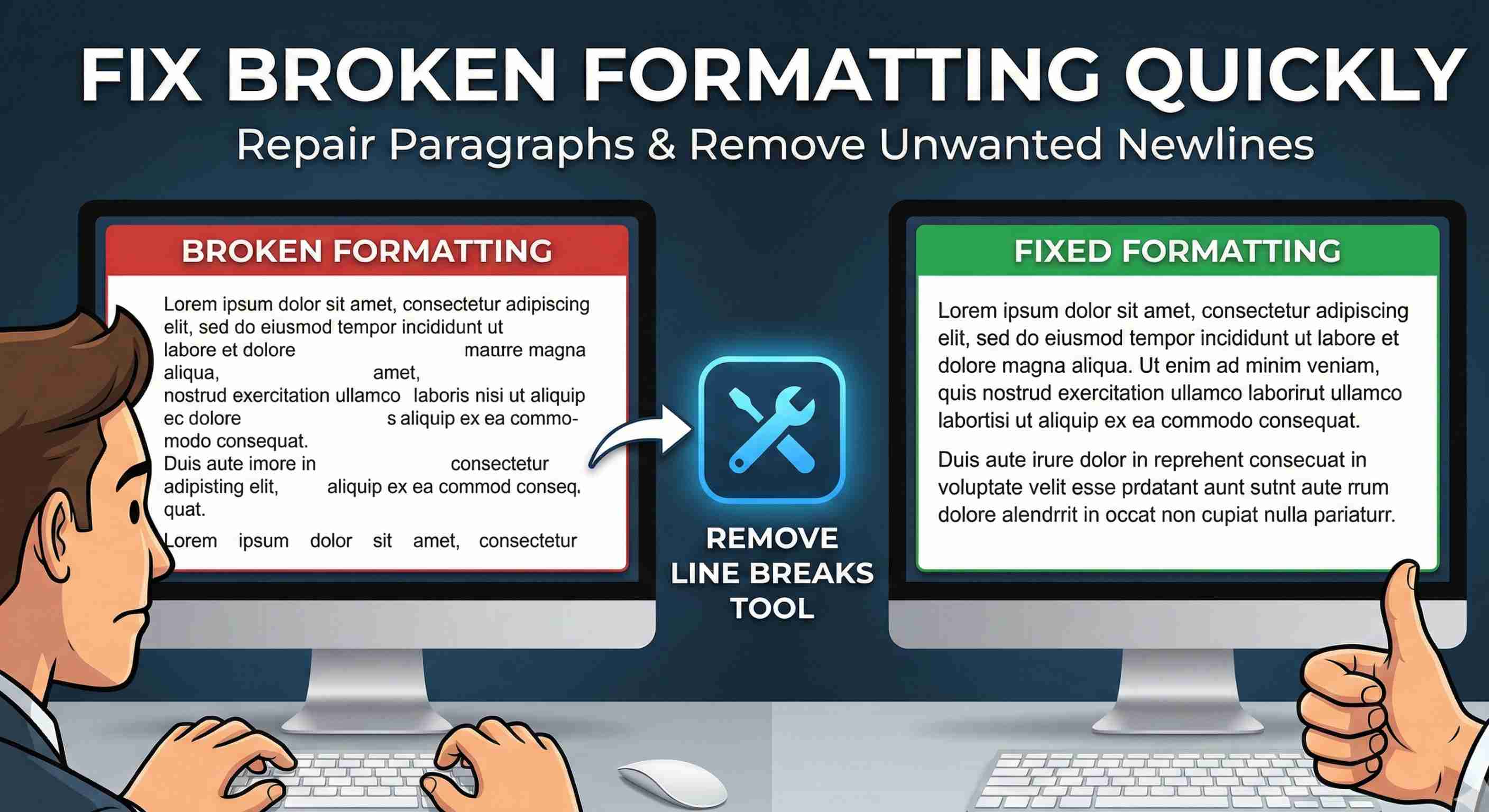
Pasting text from PDFs, emails, or older CMS systems often leaves you with jagged line breaks in the middle of sentences. Paragraphs fall apart, and you end up re‑typing or manually deleting newline after newline. The Remove Line Breaks tool on TechBelievers is designed to fix that in one operation. The tool offers two modes. In “Remove extra blank lines” mode, it simply collapses long stretches of empty lines into a single blank line. This keeps your paragraph structure while cleaning up accidental extra spacing. It’s ideal when you’re dealing with drafts that grew over time and now have inconsistent spacing between sections. The more aggressive mode, “Remove all line breaks”, rewrites your text into a continuous block by replacing every newline with a space and collapsing any leftover double spaces. This is especially helpful when you’ve copied text from a narrow PDF column or an email client that wraps sentences at a specific width. Instead of editing line by line, you can normalize everything instantly. After processing, you can apply the cleaned‑up result back into the input area or paste it directly into your document editor. That makes the tool a handy companion when you’re preparing blog posts, reports, or descriptions that started life in less‑friendly formats.